A connected course guide
11,175 words of teaching, with 37 glossary terms and 14 sources in the complete guide.
Open the course wiki programreset.BY BOW TIE KREATIVE
Make the next step clear, useful, and believable.
Learn to see a funnel through the decisions a customer needs to make. Map the journey, explain the offer, remove unnecessary friction, and make sure the experience still works after payment.
Included in both lifetime memberships. Already a member? Open this course.
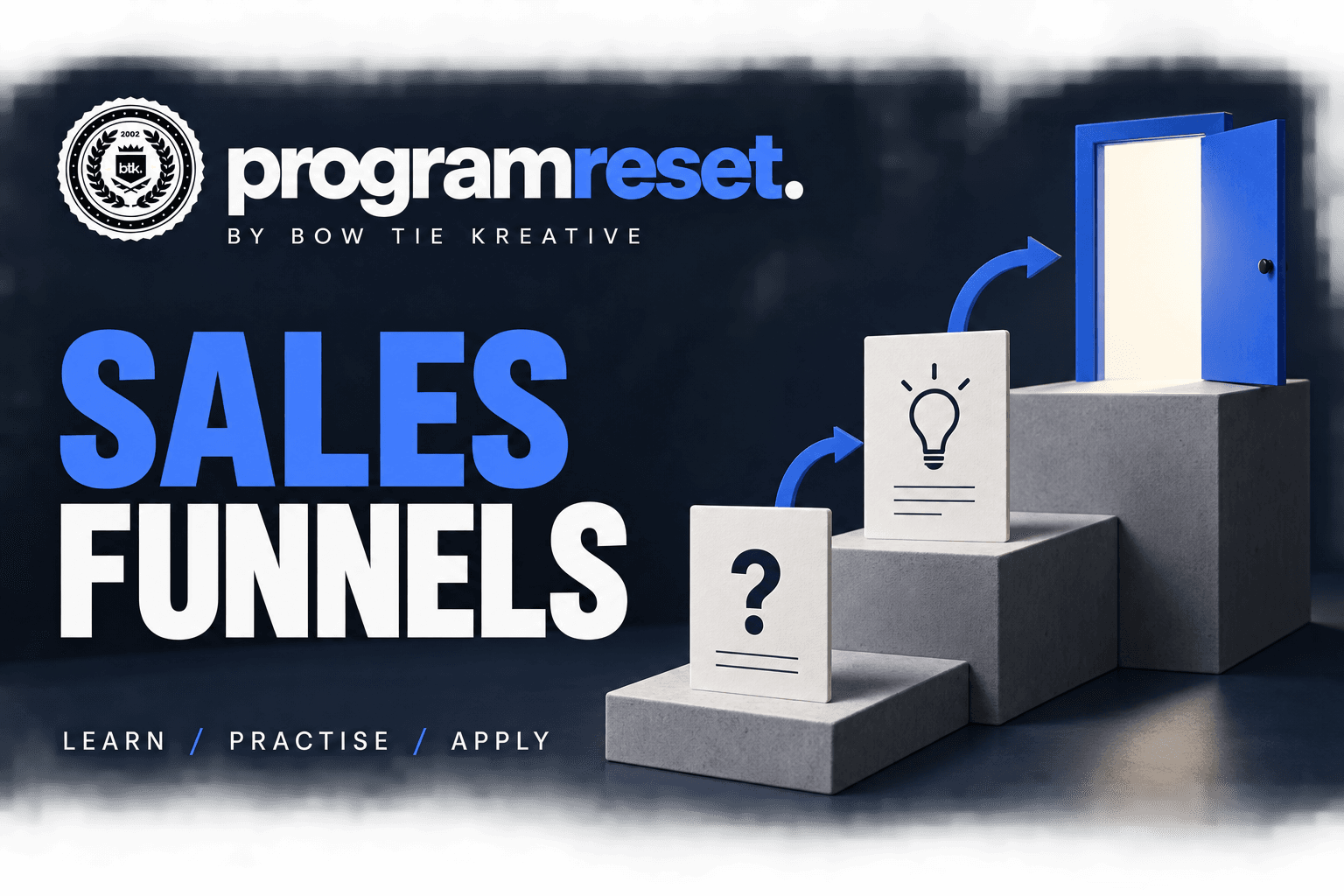
A sales funnel is a model of the steps people take toward a purchase or another business action. It helps identify questions, obstacles, and drop-offs. A useful funnel supports a decision with relevant information and a workable next step.
Map customer decisions before choosing funnel software.
Write a landing-page brief and a lead offer with a fair exchange.
Review form friction and answer the uncertainty behind objections.
Prioritize a journey repair and design a reliable post-purchase handoff.
Each lesson connects a focused idea to practice and an explanation. Chapter links open the matching course wiki section. Sign in with course access to read the complete guide.
Choose the next step from the customer’s current situation.
Investigate friction and test a change without inventing a cause.
Describe customer states without assuming everyone follows a straight line.
Connect the incoming promise with the page’s information and action.
Explain the value and expectations of an optional signup.
Separate required information from fields that merely seem useful.
Choose evidence that addresses a specific buying concern.
Give customers the information needed to complete the service after payment.
Calculate a stage rate and separate the observation from an explanation.
Choose an improvement using evidence, effort, and operational risk.
Read the situation and pause before opening the explanation. You don’t need an account for this example.
Fictional teaching example. Your response is not recorded.
A fictional consultancy gets landing-page visits but few bookings. The team wants a louder call to action. Visitors do not yet know the meeting length or whether it is a sales call. What needs attention?
Resolve that uncertainty first. Clarify the meeting purpose, duration, preparation, and next steps. Then check the booking form. A louder button cannot establish that the offer fits the visitor.
A customer decision map, landing-page brief, and one prioritized funnel improvement.
Your course resources are digital and included with membership. Move from a question to the wiki chapter, or take the PDF and workbook with you.
11,175 words of teaching, with 37 glossary terms and 14 sources in the complete guide.
Open the course wikiA 34-page PDF brings the course together in one document, with linked sources to follow when you want more context.
Find the course PDFA 17-page workbook helps you turn ideas into written decisions, check your assumptions, and plan what to try next.
Find the workbookSelected references from the course guide. Research supports particular ideas in context; it does not guarantee a marketing result or a learning outcome for every person.
Find the complete reference list in the course wiki sources.
No. The course focuses on customer decisions, page briefs, forms, and handoffs that can be applied across platforms. It does not include a software subscription or done-for-you funnel build.
It covers identifying obstacles and prioritizing changes. You will also learn why a drop-off alone does not prove its cause, so a proposed change remains a hypothesis until it is evaluated.
You receive a teaching explanation and a worked example, with another opportunity to practice. Correct answers also lead to an explanation so you can understand the reason behind your choice.
Yes. Both lifetime options include all 13 courses in this library, their wiki guides, PDFs, and workbooks. Community and the separate 200+ course vault are included in the Community & Vault bundle. Access lasts while the platform operates. See the access terms.
Sales funnel course is included in both Program Reset lifetime access options. Move between visual lessons, the linked wiki, PDF guides, and workbooks as your questions change.
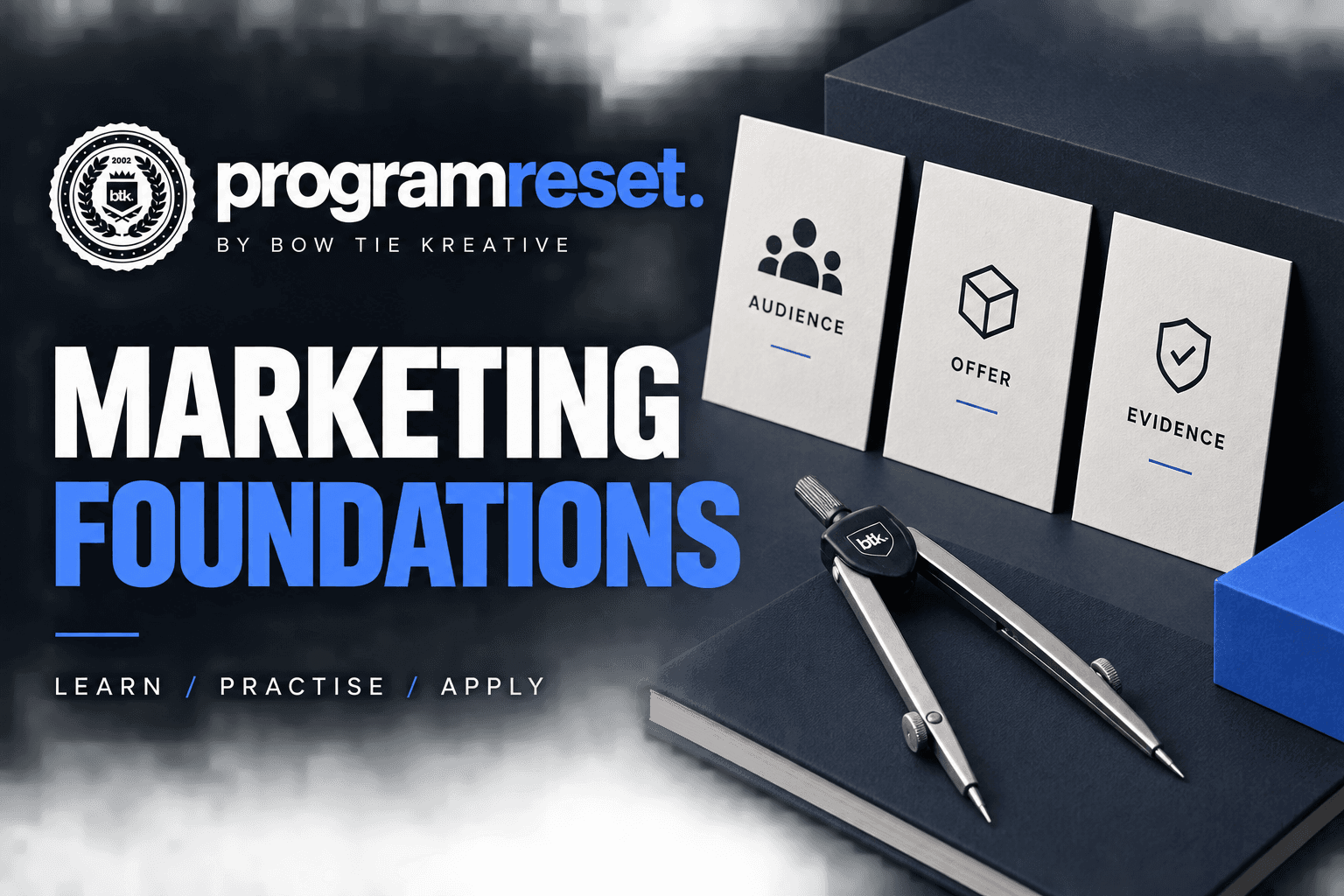
Know who you help, what you offer, and what to do next.
Explore the course
Send email people understand and expect.
Explore the course
Turn reports into decisions you can explain.
Explore the coursePublished by Bow Tie Kreative · Calgary, Alberta, Canada · Course page reviewed .